
Key Features of a Moodle Course
Completion requirements
View
Receive a grade
File Management
Each user has a private files area for uploading and managing a set of files. Users can make folders to organize files. Students can upload assignments. Users can access their private files via the Private Files block (within a course or a user's Dashboard) and through the file picker when uploading files.
There are many benefits to using the private files area:
- It allows users to easily reuse files in numerous activities in a single course or across multiple courses.
- It provides a means to organize your course collateral in one area, thus allowing for easy access when you need to add files later to your course.
- Students can upload content (e.g., files, images) to be stored within the course or across multiple courses.
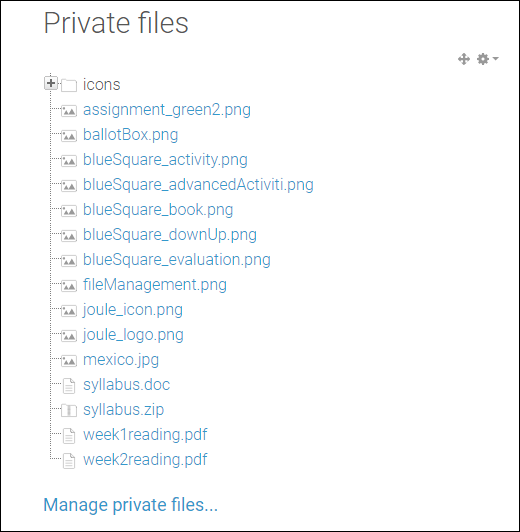
Private files are only accessible by each user. A big benefit to using private files is uploading content (e.g. files, images) that can be stored on the site, but used within a course or multiple courses.

This area may also be accessed through the Private files block, if enabled.