
Key Features of a Moodle Course
Completion requirements
View
Receive a grade
Completion Tracking
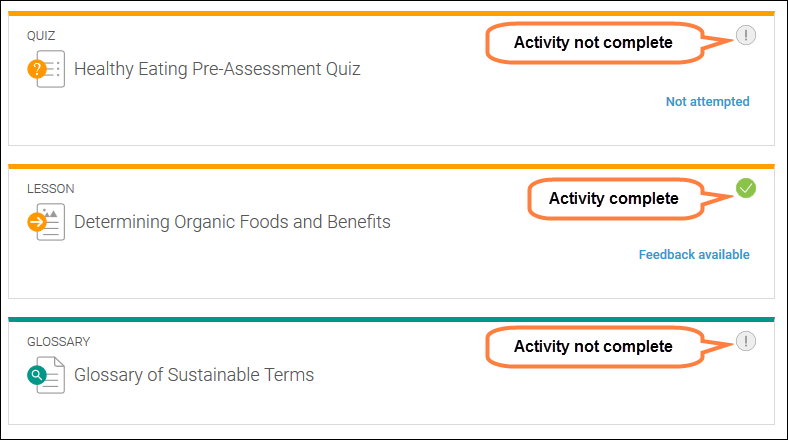
Teachers can turn on activity completion tracking, and they can set it to manual or automatic. When an activity is completed, the activity will display a marked checkbox. Manual tracking allows you to determine when an activity is completed. For the status to change you will select the icon when you have completed the activity. Automatic tracking can be set to require views and/or grades. You will not be able to change the status as it will be triggered based on the criteria set by your teacher.
Lastly, your teacher may set overall tracking for your course. You may be able to view the status by going to the Completion Status block. In that area, teachers can select the activities that are required for the course to be considered complete.